Before You Begin: Report Descriptions
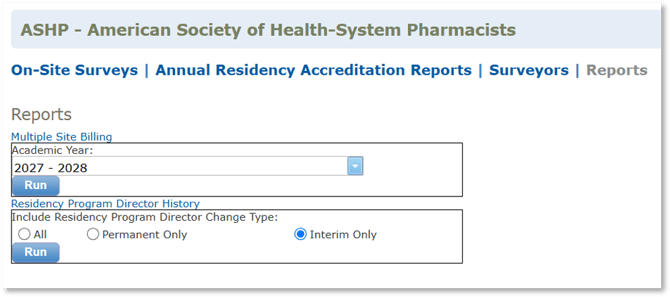
Multiple Site Billing
Lists programs that indicated they are a multi-site program on the Annual Accreditation Report. Can be filtered by year.
Residency Program Directory History
Lists the programs where there was a change in the Residency Program Director in PharmAcademic. Can be filtered by permanent or interim RPDs.
Instructions
- Log in to PharmAcademic, and in the “Access My Sites/Programs” drop down box select ASHP.
- Go to the Reports tab.
- Click on the name of the report:
- Multiple Site Billing
- Residency Program Director History
- Filter the report.
- Multiple Site Billing: Select the year.
- Residency Program Directory History: Select “All,” “Permanent Only” or “Interim Only.”
- Click the Run button.